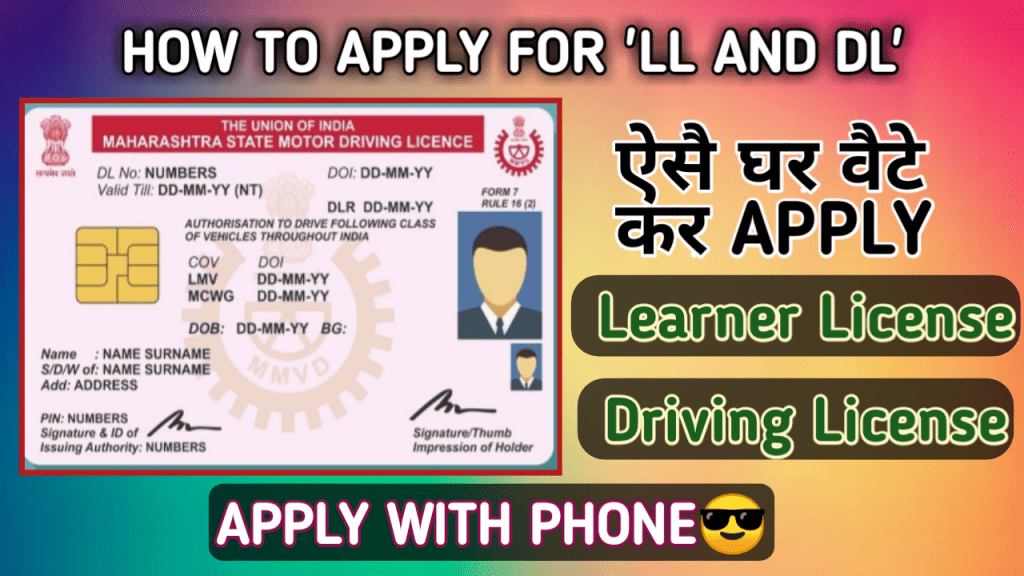
If you want to apply For Learner license ,follow the below process⤵️
If you dont have lerner then first you have to apply for learner license and this learner will be valid upto six months.So After minimum one month you can apply for drving license.
Since lerner test is conducting on online mode so you dont need to go to RTO office ,you can get your learner license within 30Minutes.
To get the learner license follow the below steps ↩️
Steps :
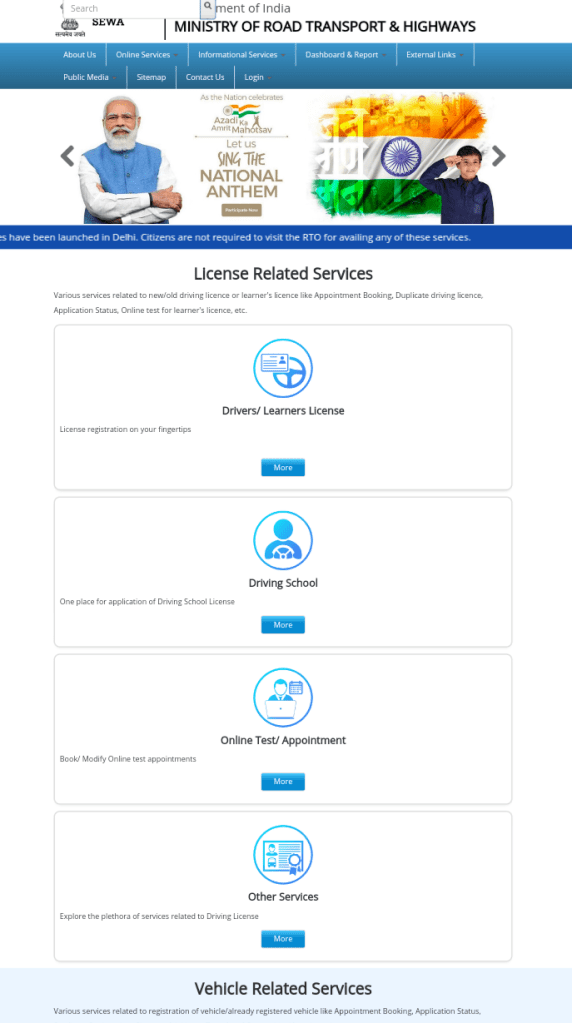
Go the official webpage By clicking on the below links .
Then Go the learner section and proceed through authenthicate via aadhhar .If you select without aadhaar then you have to go RTO office for the exam .So select via aadhaar to give online exam.
All the details will come from your aadhaar ,only you have to upload your sign again ,your photo will also come from aadhaar.
After filluping application form you have to go UPLOAD DOCUMENT and select upload photo and sign here you can upload your sign.
After uploading sign you have to go for payment.To make payment you have to go FEE PAYMENT and there you can calculate your fees and can make payment also.
Fee structure is given below:
Extra Charges (Compulsory)=50RS
- MCWG =150Rs
- LMV =150Rs
So if you want only MCWG then you have to pay (150+50)=200
If you want Only LMV you have to pay (150+50)=200
For Every catagory you have to pay 150RS
So if you want two and four wheeler both then calculation is as follows
(150+150)+50=350RS
After making a successful payment you can give your online test.To give test you have to go LEARNER LICENSE section and click on LL test online(STALL) ,by putting your application number and DOB and generate otp .
Now you have to confirm your face so look at the camera and click on Authenticate ,Your face will be captured and you will be able to proceed for exam .
There will be total 10 question you have to give minimum six correct answer.
If you face any problem in case of applying ..you can watch my live video
Watch video here :
Impotants links :
Click here to apply for learner license
Click here to get the latest videos
Click here to apply for driving license .
Please subscribe my youtube chennel and watch the latest videos by clicking on youtube icon .
 How To Tech