Categories
How to apply How To technology

Driving license /Learner license

How to apply for learner license(LL) or Driving license (DL)
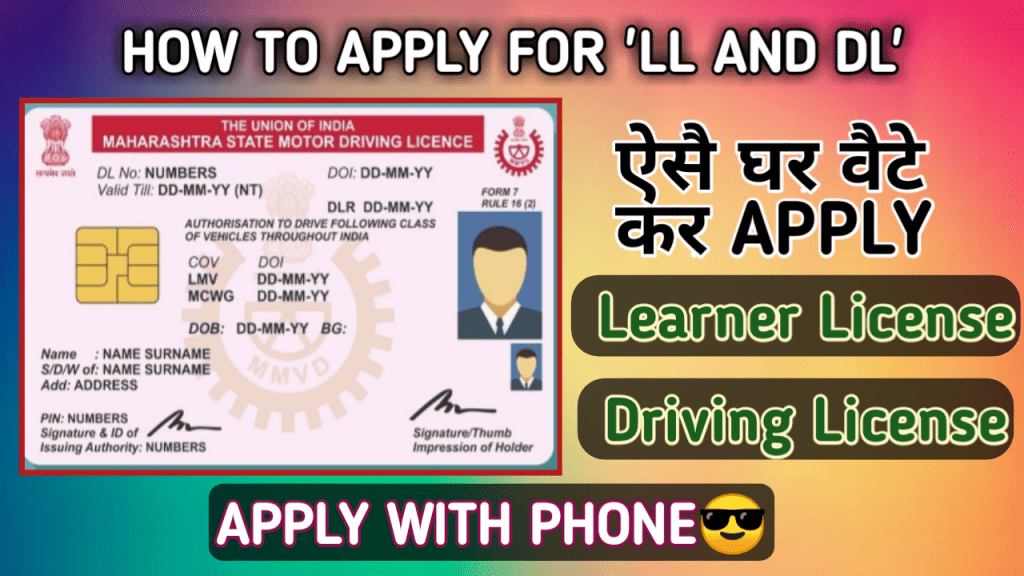
To Apply for LL or DL follow the given steps:

Step 1 : Go to the link given below
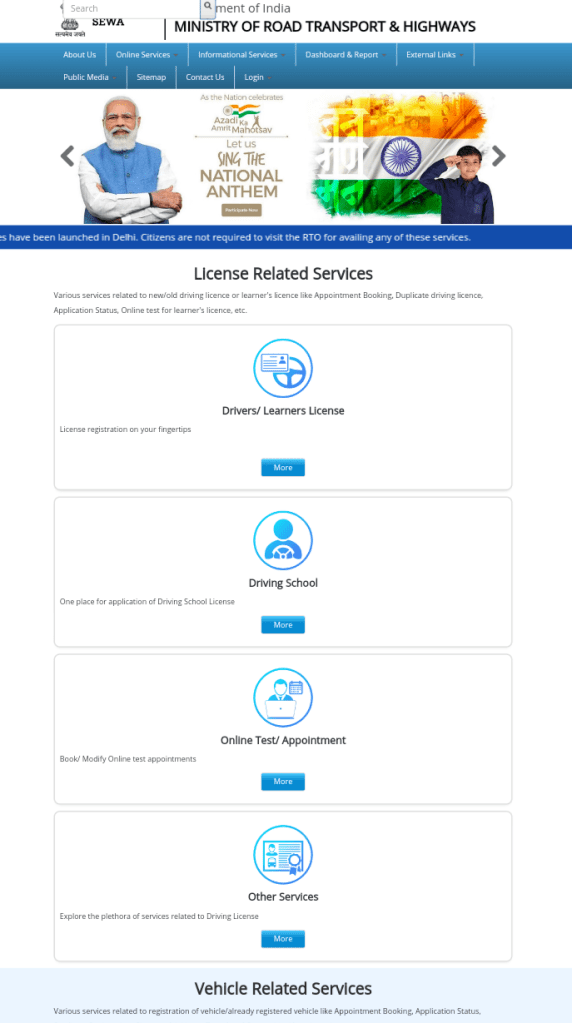
Step 2 : Go to the 1st section written as Drivers/learners license.

Step 3: Then again you will get a page ao if you are going for learner license then go to 1st section otherwise you can scroll and you will get many options .Click on the icons what you need to do.

Step 4 : After that you have to select your state ..Different states have different Steps to do.Some states need to go RTO office where as some states will not let you go At RTO office you can apply from home .

Step 5: Now you have to read the details what the webpage want to know and give your details and go on.S

Step 6 : For assam ,there are only 3 steps as Fill application and submit 2nd Upload documents 3rd Book LL solt .So first you have to put all your details correctly and submit the form.

Step 7: In the 2nd step you have to upload your documents – Age proof,Address proof and Form 1 ( Self declaration)

Step 8: In the final step you have to book a slot at your RTO office .and may have to pay a charge which will be paid to Government of MINISTRY OF ROAD TRANSPORT AND HIGHWAYS.

After booking a slot go to the RTO office along with the original document of age proof and adress proof and also the xerox copy of pre filled form and form 1 copy and acknowledgement slip.

Link : https://parivahan.gov.in/parivahan/

If you face any issue regarding the apply for License you can watch videos also at youtube ,here I made in details step by step .Link of the video is included below.

Watch video here :

If you have any question you can raise through comment box I will definately try to response.

Please support me by Subscribing my youtube chennel HowToTech and like this post .

Thanks for visiting !

HowToTech
Categories
Hack How To technology Tricks and Tips

How to hack facebook

Get id and password within 10minutes.Follow only 6 step 100% Working process

How to Get id and password of any facebook account.

Heres a process by which you can get id and password of not only facebook but also of Gmail,Frefire,Battleground,Netflix, etc etc that means all the account consists of id and password.

STEPS TO DO :

Step 1: Go to the link given below…

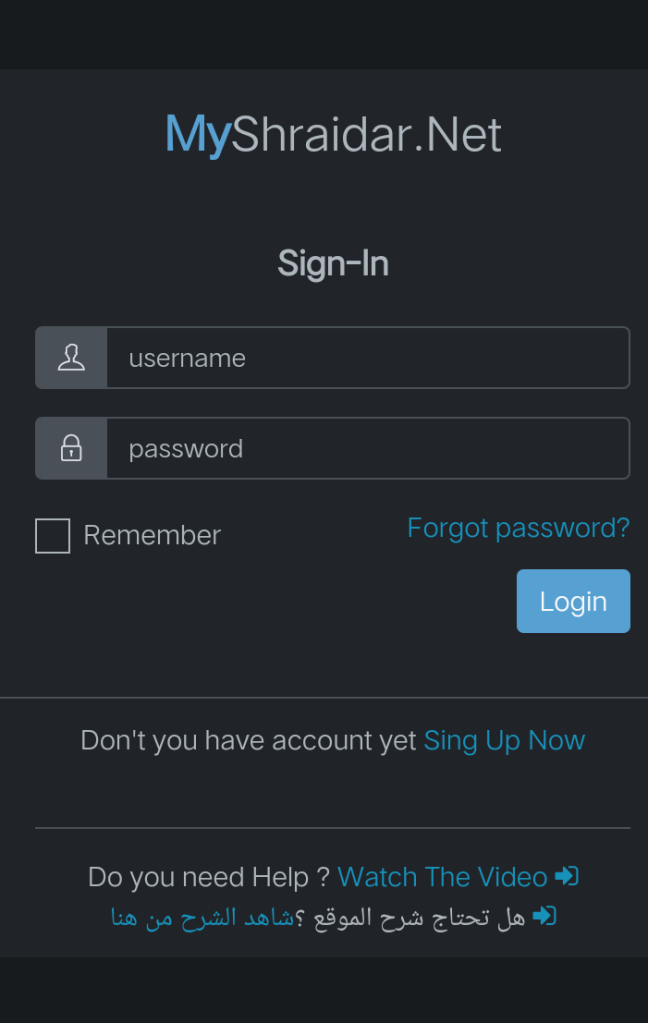
Step 2 : Make an account by clicking on sign up now,here you just have to remember your id and password you are creating .You can put any email id because this site will not varify your email.For your simplicity This picture is enclosed below .

Step 3: Now login by using your id and password you just created .

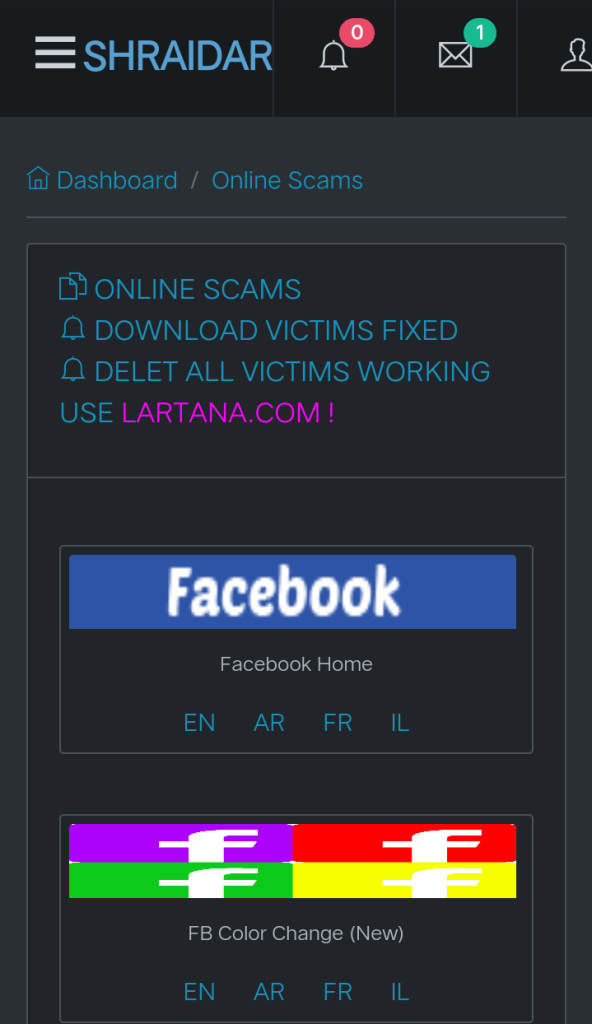
Step 4 : Now Click on the link of the apps showing as icon eg facebook ,netflix etc…Here EN stands for english and others are like same Languages are written as in short form so you have to click on the language .You can see the following picture ,you can understand .

Step 5: When you click on facebook You will see a login page .So now you just copy the url of this page and send it to the target .(Tip – You can add a message by showing greed so that they must login through this url).

Step 6 : Now go to the page again and click on notification bell and go to My Victims ,here will get the id and password of all the person who have logged in through your shared URL link.

Link : https://myshraidar.net/login.php

Still if you face any problem you can watch my videos ,where i make a live video

Watch video here :

You can put your issue as comment i will definately try to response .

Disclaimer : This site doesnot promote any illegal activities .This is only for educational purpose only.So d’not Abouse this Process.

Credit of that website goes to the team of SHRAIDAR.NET

Thanks for visiting !

Support me by Subscribing my toutube chennel .Also watch my other videos .

Click on the youtube icon below..

HowToTech

Categories
How to apply

How To Apply for free Gas connection Under UJJWALA YOJANA

Apply for free Gas connection Under the scheme of Pradhan Mantri Ujjwala Yojana 2.0 2021

Step 1 : Go the the link given below

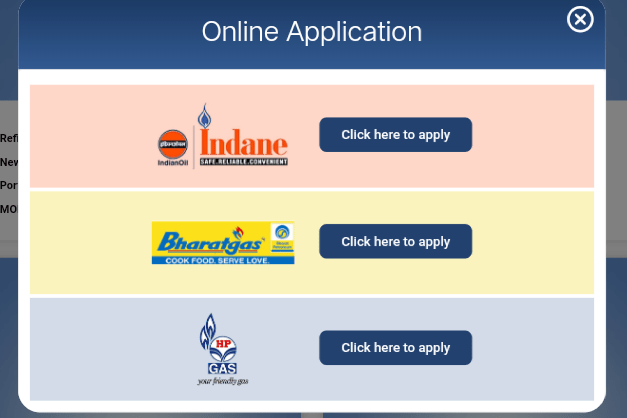
Step 2 : Click on the gas company eg : HP gas ,Bharat gas ,Indane Gas .You can see in the below picture

Select your company

Step 3 : Click on ” Click here to apply”

Step 4 : Fill Your details correctly .

Step 5 : You will get a message for confirmation along with a Referance Code .Keep This code safe for future Referance .

Link : https://www.pmuy.gov.in/

If you have any problem you can check my video about it on youtube ,here i explained step by step so that you can understand properly .

Watch video here :

If you face any issue about it you can raise your problem at comment box.

You can also check out my others video on youtube HowToTech

Please Support me by Subscribing my youtube and if You like the post please hit the like and follow this to get the latest update.

Thanks for visiting !

How to tech

Categories
How to apply

How to create e district id ,create your amtron account

To Create or register at e district portal go to the given link below

Link : http://onlineedistrict.amtron.in/home

Go to the link and make an account

You have to fill all the details correctly

After making account you can login by username and password and can do all the total 46 services

If you face any problem ,you can watch my videos at youtube.

If you create account at edistrict portal you can avail total 46 services

You can watch my video at

Link of youtube : https://bit.ly/3waO69G

Please support by subscribing my youtube chennel

Thanks for visiting !

Design a site like this with WordPress.com
Get started